Loading...

| Hi, HannahE
💎 0 Credits
Profile | Logout
Processing...
Hi, HannahE
2x2" (50mm) Generic Press
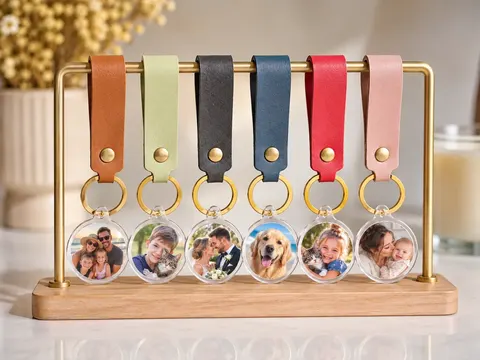
35mm (1") Round
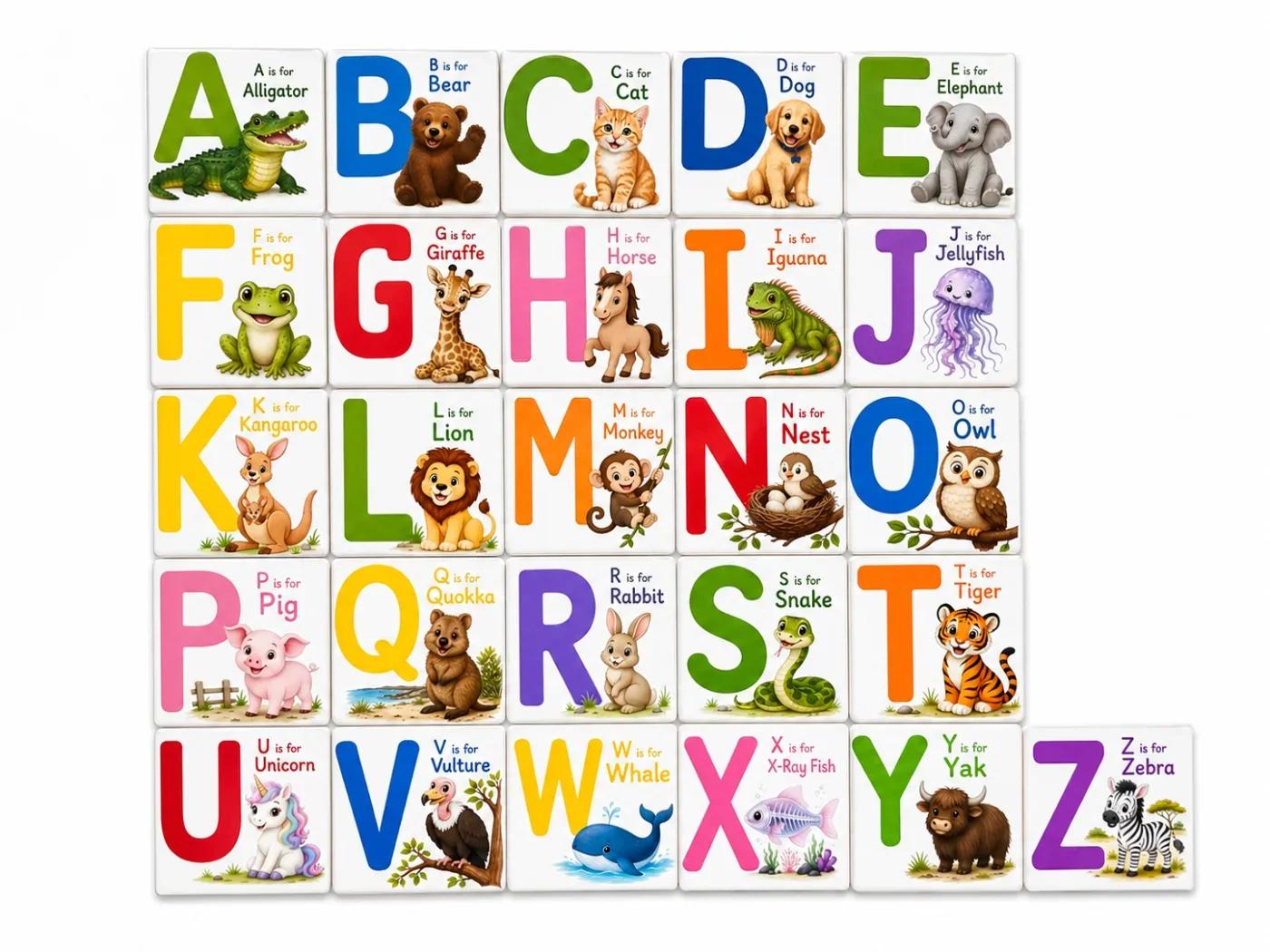
2x2" (50mm) x12
Flexi Calendar
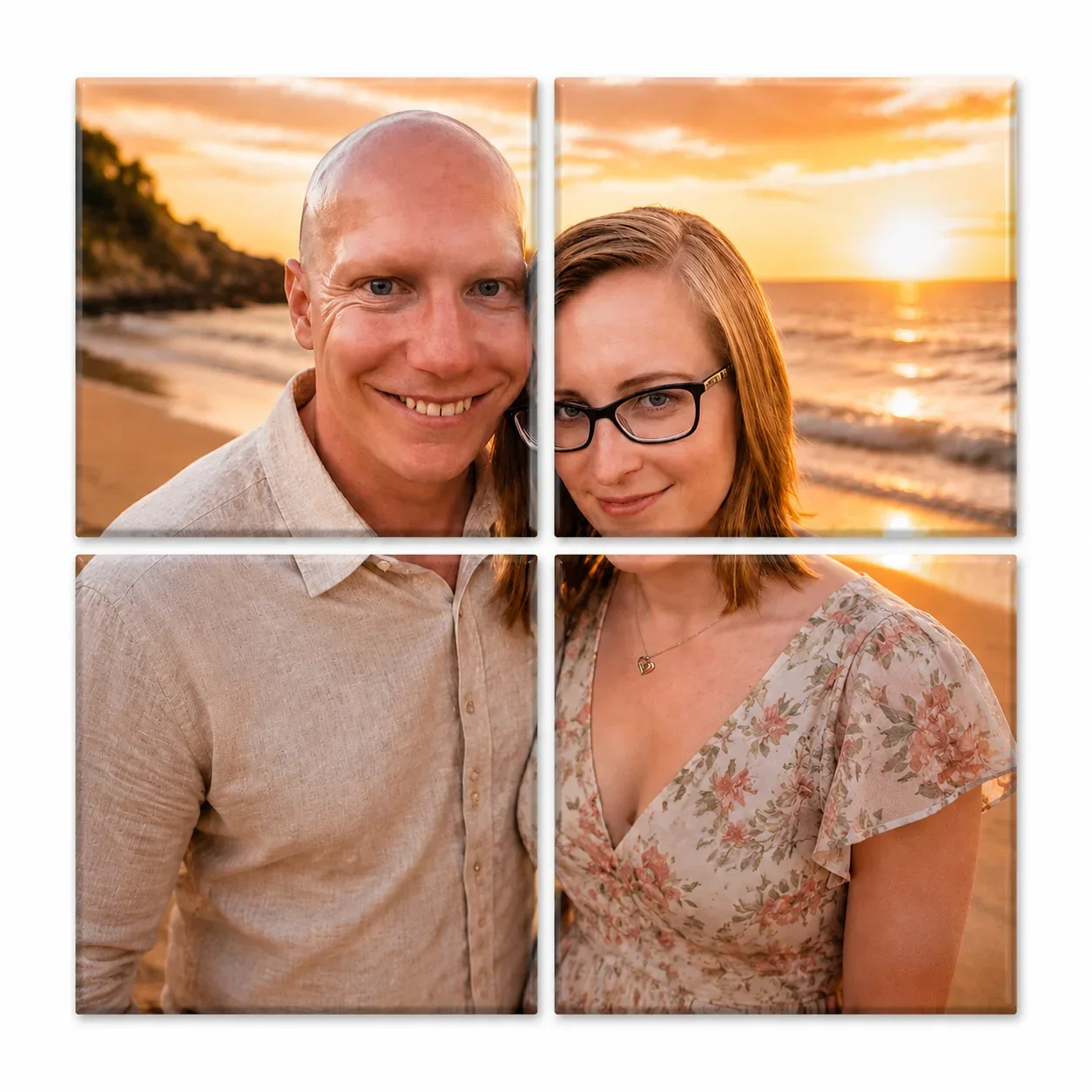
4-Magnet Puzzle
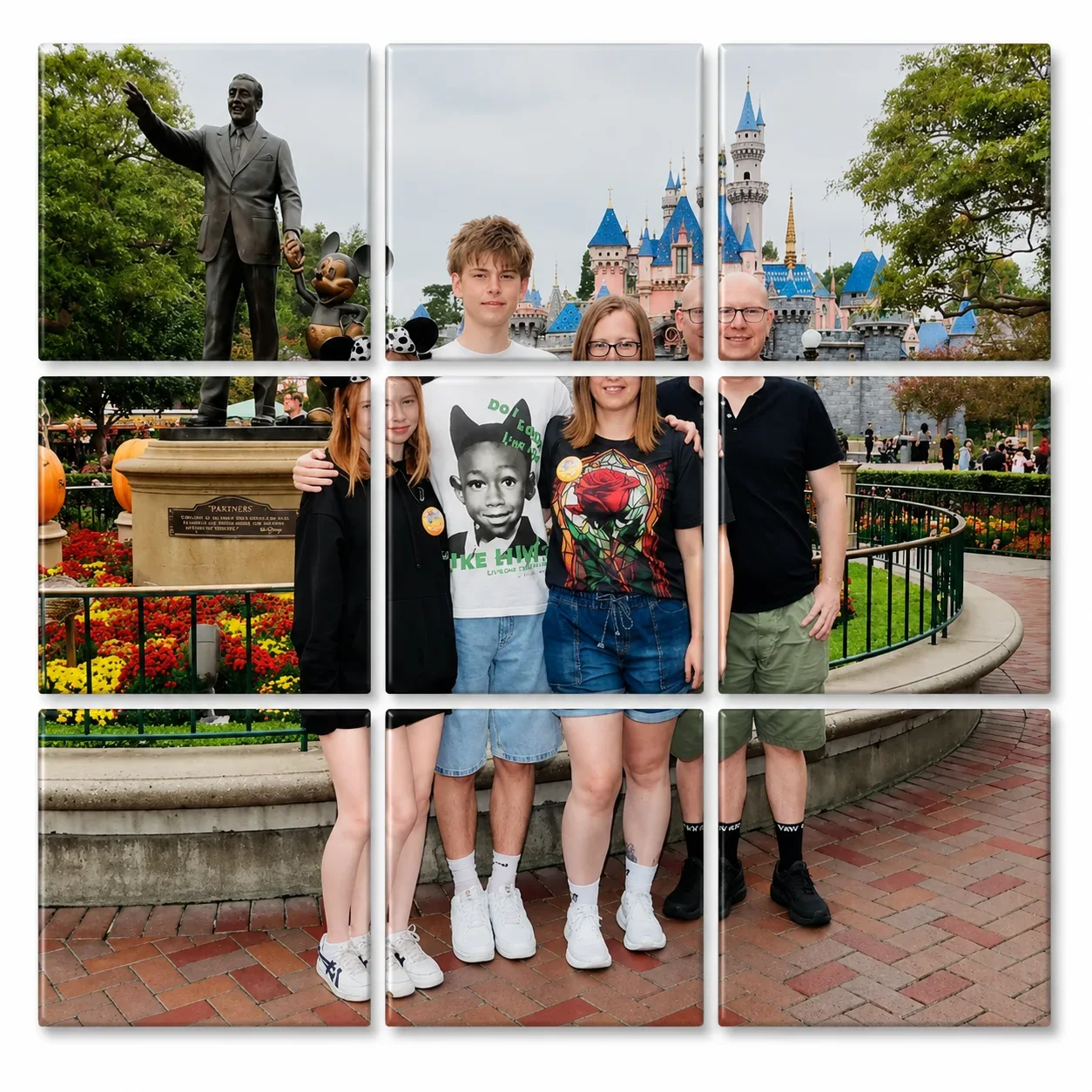
9-Magnet Puzzle
Template media (PDF, photos, customer info) is automatically cleared after 7 days. You can download template media via the download button and/or image thumbnails.

      Your Studio is Clean

      No active templates found. Upload some photos and create one!

      7 Days Storage Life
      Automatic Template Cleanup

      Storefront design

      Storefront Access

      Storefront QR

      Checking status...

      Toggle your storefront open & closed here. You can style your 'closed' page in the storefront editor.

      Offer guests gallery images after they choose a size

      Storefront Language

      Choose the default language for guest-facing storefront labels, checkout text, contact forms and order status messages.

      Customer Info & Notifications

      Email order notifications These are for you - when an order comes through your storefront, get an email to notify you with the details.

      Choose which customer details you'd like to take and toggle notifications on or off.

      Name Useful for pickup labels and matching orders to customers. If shipping is enabled, this is automatically required.
      Email Useful for digital receipts or collection questions.
      Phone Useful if you need to contact the customer via phone call or SMS.
      Address Use for delivery details or postal orders. If shipping is enabled, this is automatically required.
      Pick-up notifications / order confirmation Enable live & push notification alerts for the customer - used for in-person and same day live events. If this is off, the order success screen will just show the customer their order reference and will not have pick-up or notification references - useful for website orders.

      Products & Pricing

      Configure pricing, discounts and product information here. When you're finished, click the 'Save Details' button at the bottom to save your changes.

      Currency Square checkout is selected: storefront prices use GBP from your Square location.
      Storefront Products

      Create new, or edit existing storefront product details. You can drag each product to change the order on your storefront.

      2x2" (50mm) Generic Press
      Guest card image
      Direct product upload QRThis QR code takes your customer directly to the upload page for this product, skipping any storefront product selections.
      £
      35mm (1") Round Custom Template
      Guest card image
      Direct product upload QRThis QR code takes your customer directly to the upload page for this product, skipping any storefront product selections.
      £
      2x2" (50mm) x12 Custom Template
      Guest card image
      Direct product upload QRThis QR code takes your customer directly to the upload page for this product, skipping any storefront product selections.
      £
      Flexi Calendar Custom Template
      Guest card image
      Direct product upload QRThis QR code takes your customer directly to the upload page for this product, skipping any storefront product selections.
      £
      4-Magnet Puzzle Puzzle
      Guest card image
      Direct product upload QRThis QR code takes your customer directly to the upload page for this product, skipping any storefront product selections.
      £
      9-Magnet Puzzle Puzzle
      Guest card image
      Direct product upload QRThis QR code takes your customer directly to the upload page for this product, skipping any storefront product selections.
      £

      Shipping

      Choose how guests receive orders, then set shipping rates and delivery zones. Product weights are set in the products section above.

      Shipping

      Choose how guests can receive orders from your storefront.

      Event Mode

      Setup or schedule events, with each event having it's own products, purchase limits, storefront theme and more. Each event has it's own QR code and access link.

      User Accounts

      Admin Broadcast

      Email Users

      Write once, preview, send yourself a test, then send to active users, all users, or selected accounts.

      Preview first to calculate recipients.

      Preview
      0 Photo Tray